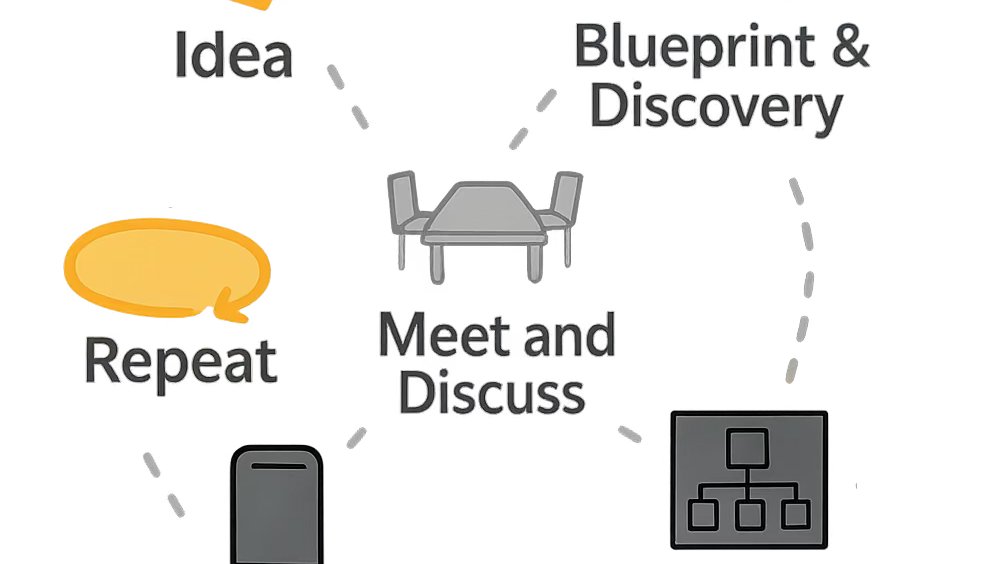
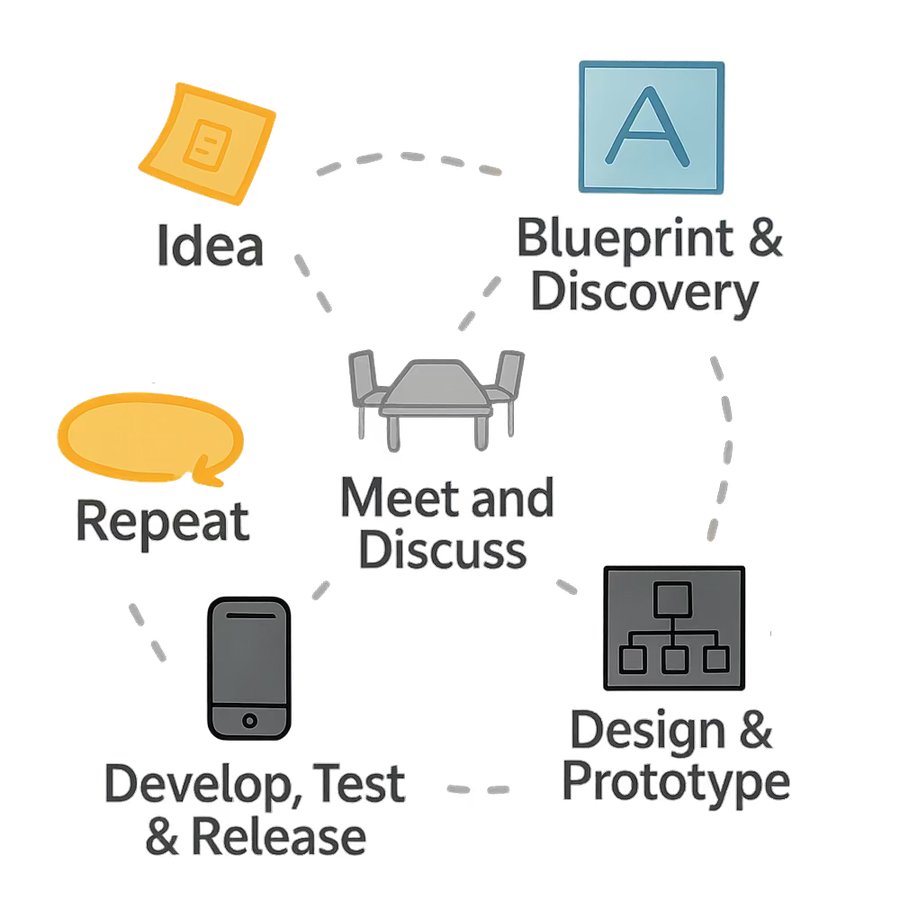
Our Blueprint and Discovery process turns a promising idea into a buildable product plan, before costly assumptions become costly rewrites.
Our Blueprint & Discovery Process: Build the Right App, the Right Way – From Day One
You wouldn't build a house without detailed blueprints and a thorough site inspection. The same goes for a mobile app. Skipping proper planning leads to costly mistakes, wasted time, and apps that fall short of your goals.
Too often, we see businesses come to us with apps built elsewhere that need a complete overhaul. Why? Poor foundational planning, flawed architecture, or rushed assumptions about …
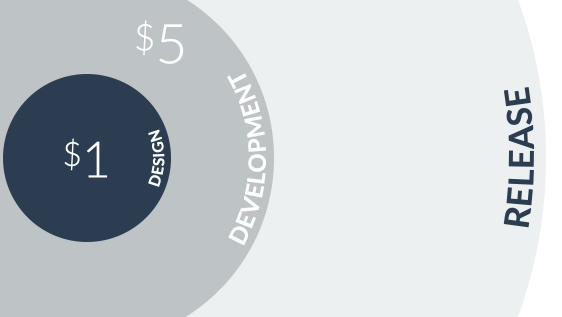
For every $1 spent fixing a problem during the design phase, it could cost $5 during development and up to $30 after release.
"Design is not just what it looks like and feels like. Design is how it works." - Steve Jobs
As a premier San Antonio mobile app developer, we know that building a successful custom mobile app requires more than just code—it demands thoughtful design that prioritizes user experience and long-term value. In this post, we explore the real costs of cutting corners in app design and how our industry expertise in Texas can help you avoid them.
No Shortcuts to …
One if the first questions I get asked is "How much will it cost?"
How Much Does a Custom Mobile App Cost in 2026? Insights from a San Antonio Mobile App Developer
This is hands-down one of the first questions we hear from nearly every potential client—and it’s completely understandable. You have an exciting app idea that could transform your Texas business, but before committing time and resources, you want clarity on the investment required.
As a custom mobile app development company based in San Antonio, we’d love to give you an exact number …
Attention to detail can make all the difference in user experience.
A Baffling User Experience Lesson: The Parental Gate That Almost Wasn’t
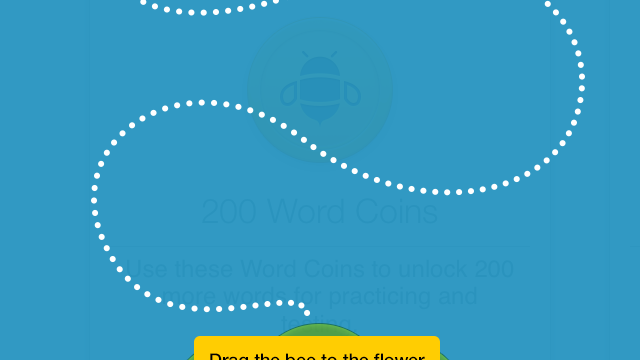
When developing Spelling Pro, a bee-themed children's spelling app, Apple introduced a new guideline for apps in the Kids category: in-app purchases had to be protected by a "parental gate" to prevent young children from accidentally (or intentionally) buying things. Apple left the implementation up to developers, without specifying exactly how it should work.
To fit the app's playful bee theme, we created a simple gate: a bee at …